PARCELVIEW3D · TUTORIAL
A buyer drives past your land. There’s a sign staked in the ground. On most signs, the best they’ll get is a phone number and a grainy aerial photo they’ll have forgotten by the next stoplight. ParcelView3D changes that. With a single QR code, you can turn that same drive-by moment into an interactive 3D tour of your property — one the buyer explores from their own phone, right there at the curb. This guide walks you through the entire journey: scan, explore, inquire.
Why a 3D QR code beats a flat one
A printed flyer — or a QR code that just opens a single static image — hands a buyer one flat frame and nothing to do with it. They can’t feel the slope, judge the road frontage, or see how the back corner sits against the tree line. ParcelView3D takes the opposite approach: the very same QR code opens a living, photorealistic 3D view of the actual parcel, with real terrain and real elevation, that the buyer can rotate, zoom, and fly over. Compared with a plain image link or a paper flyer, ParcelView3D keeps buyers engaged far longer and quietly answers the questions that would otherwise flood your inbox. That’s the difference between a listing someone glances at and one they actually tour.
Step 1 — Build your listing and generate the QR code
Log in at parcelview3d.com and open the property you want to promote. Every listing you create automatically gets its own PropCard™ — a clean, mobile-first landing page with your 3D viewer, photos, pricing, and a built-in lead form. On that PropCard, find the QR Code option. ParcelView3D generates a print-ready code tied directly to that property’s page — no third-party generator and no extra software required.
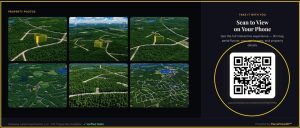
Generating a property’s QR code inside ParcelView3D.
Step 2 — Download it and use it beyond the web
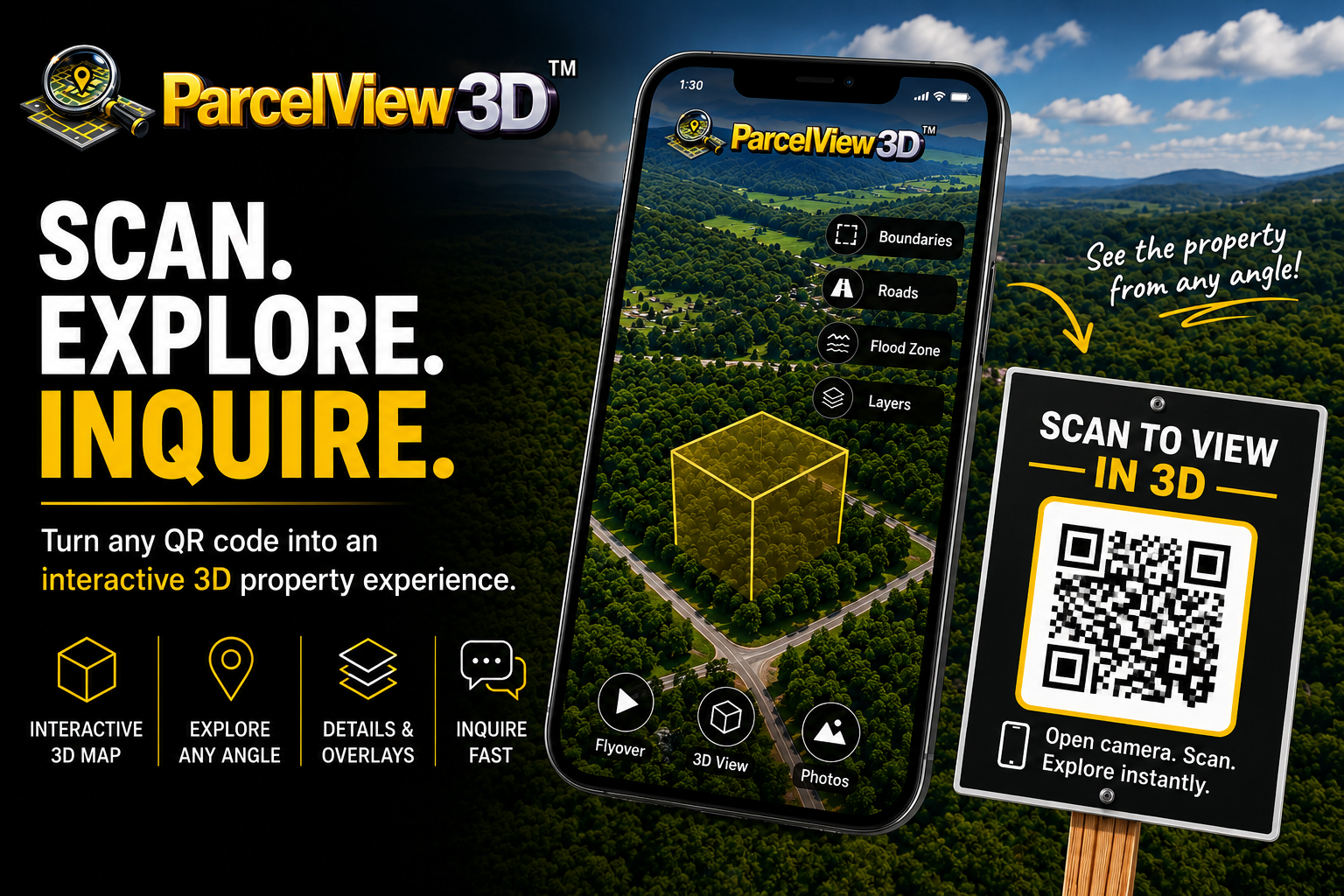
Download the QR code as a high-resolution, print-ready image. Here’s where it gets powerful: the same code works far beyond your website and online listings. It can be put to work in all sorts of places a buyer might come across your property — printed on yard signs. Wherever someone encounters it, a quick scan with their phone camera pulls up the full 3D experience instantly. One code carries your listing into the physical world and makes it effortless for potential buyers to access and explore the property.
Step 3 — Scan and explore in 3D
When a buyer points their phone camera at the code, it opens the property’s PropCard right in their browser — no app to download. The centerpiece is the interactive 3D viewer. From their phone, buyers can:
- Drag to rotate the parcel and see it from any angle
- Scroll or pinch to zoom in on road frontage, corners, and access points
- Tap the overlay buttons to toggle layers like boundaries, flood zones, and other property details
- Press play on the cinematic flyover for a smooth aerial orbit of the land
Instead of trying to imagine what “5 wooded acres with county road access” looks like, they’re seeing it — the real shape of the land, the real terrain, and the real neighborhood around it.
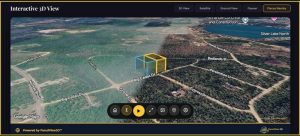
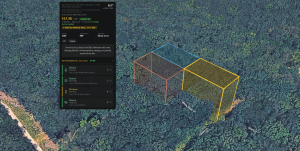
The interactive viewer buyers land on after scanning.
Step 4 — Let the property sell itself
This is the “explore” stage, where leads get warmer. Because buyers can answer their own questions — Is it on a slope? How’s the access? What’s next door? — the people who reach out to you have already toured the parcel and liked what they saw. Tire-kickers filter themselves out. The serious buyers stay longer, come back for a second look, and arrive in your inbox already sold on the basics.
Step 5 — Inquire: capture the lead
Every PropCard has a built-in lead form right beneath the viewer. When an interested buyer clicks the QR code and opens the PropCard, they will see a “Contact Us” option. By clicking it, they can be directed straight to the property’s contact phone number, making it easy for them to get in touch with the seller. You can also use the property’s QR code across different marketing channels and promotional materials, giving potential buyers an easy way to access the PropCard and explore the property in 3D. Behind the scenes, ParcelView3D also tracks views and engagement, so you can see which properties are drawing attention and follow up with interested buyers.
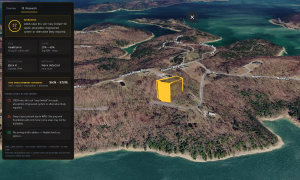
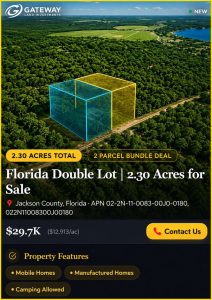 Turning an explorer into a captured, qualified lead.
Pro tips to get the most out of your QR code
- Take your listing offline. Yard signs, flyers, mailers, and handouts all turn a physical moment into a self-guided 3D tour — buyers don’t have to be at a computer to explore.
- Reuse the same code everywhere. The QR you print is the same one you can add to flyers, ads, and email, so all your marketing points buyers to one rich 3D experience.
- Follow up fast. Use your engagement analytics to spot repeat visitors and reach out while the property is still fresh in their mind.
The full loop
That’s it: a buyer scans the code on your sign, explores your parcel in interactive 3D, and inquires through a form that drops the lead straight into your hands. It turns a quiet piece of land — and a simple sign in the ground — into a salesperson that works 24/7.
| Ready to turn your next listing into a 3D experience?
Start a free 7-day trial at parcelview3d.com and generate your first QR code today. No credit card required. |