If buyers are asking questions like “Will this land perk?” or “Can I actually build here?” and disappearing before you can answer, this guide is for you.
Why Buyer Research Data Matters
Many land deals do not fall apart because the property is bad. They fall apart because buyers become uncertain. When buyers cannot quickly understand slope, soil, flood risk, or development potential, they hesitate. ParcelView3D’s Buyer Research Data helps remove that uncertainty.
Step-by-Step Guide
Step 1
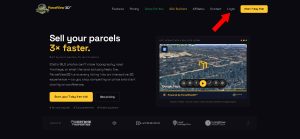
Sign in to your ParcelView3D account.
Step 2
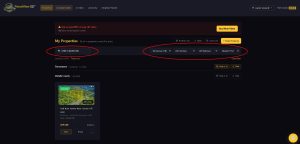
Look for your property using your dashboard search tools.
Step 3
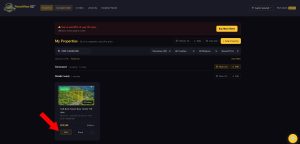
Click ‘Edit’ on the property you want to update.
Step 4
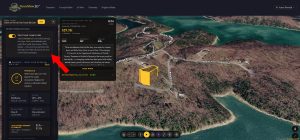
Scroll down to Listing Details and find ‘Show Buyer Research Data. Turn it ON for raw land where extra research helps close the deal. Leave it OFF for polished lots where visuals already do the selling.
Step 5
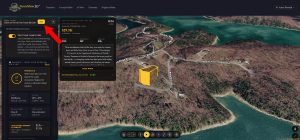
Click Save to apply changes.
When Should You Turn It On?
Turn Buyer Research Data ON for raw land, rural lots, off-grid properties, and parcels where buildability questions are common. Leave it OFF for polished lots, infill properties, or listings where your visuals and marketing already tell the story.
What Buyers Can See
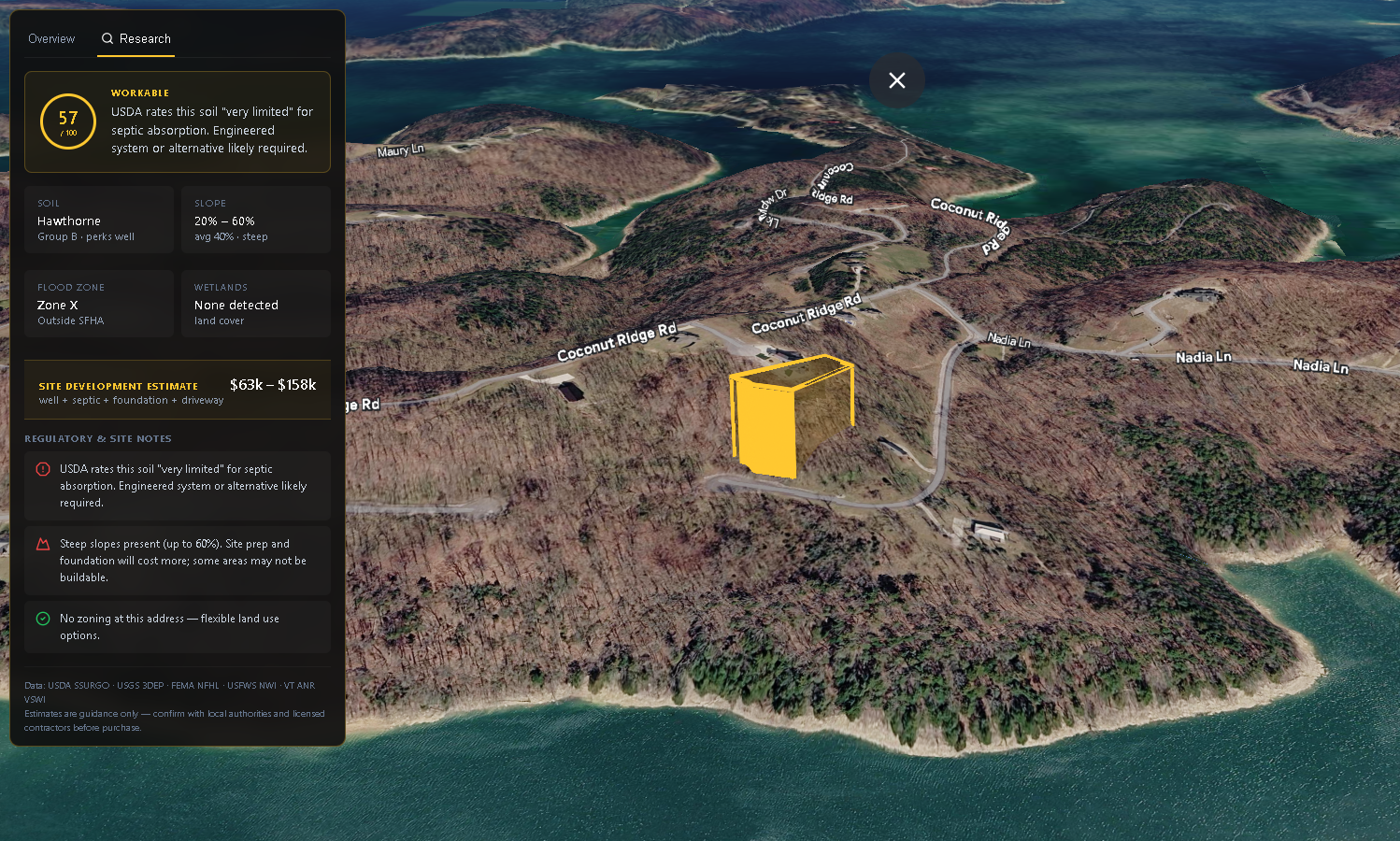
With one click, buyers can view buildability scores, soil type, slope range, flood zones, and site-development cost estimates—all inside the property embed.
Final Thoughts
The goal is simple: reduce hesitation, answer questions faster, and help buyers feel confident moving forward. If buyers never click the Research Tab, your property embed still looks exactly the same.