How to display property-specific climate risk insights inside the 3D tour and property report
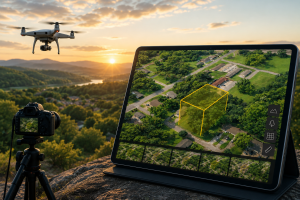
When buyers evaluate land, they usually want to understand more than the parcel boundary. They want to know what risks may affect the property, how the surrounding environment may impact future use, and whether the property fits their goals before they move forward. ParcelView3D helps make that process easier by presenting Environmental Factors directly with the property experience.
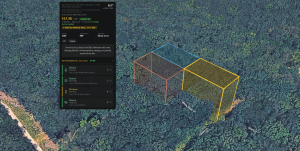
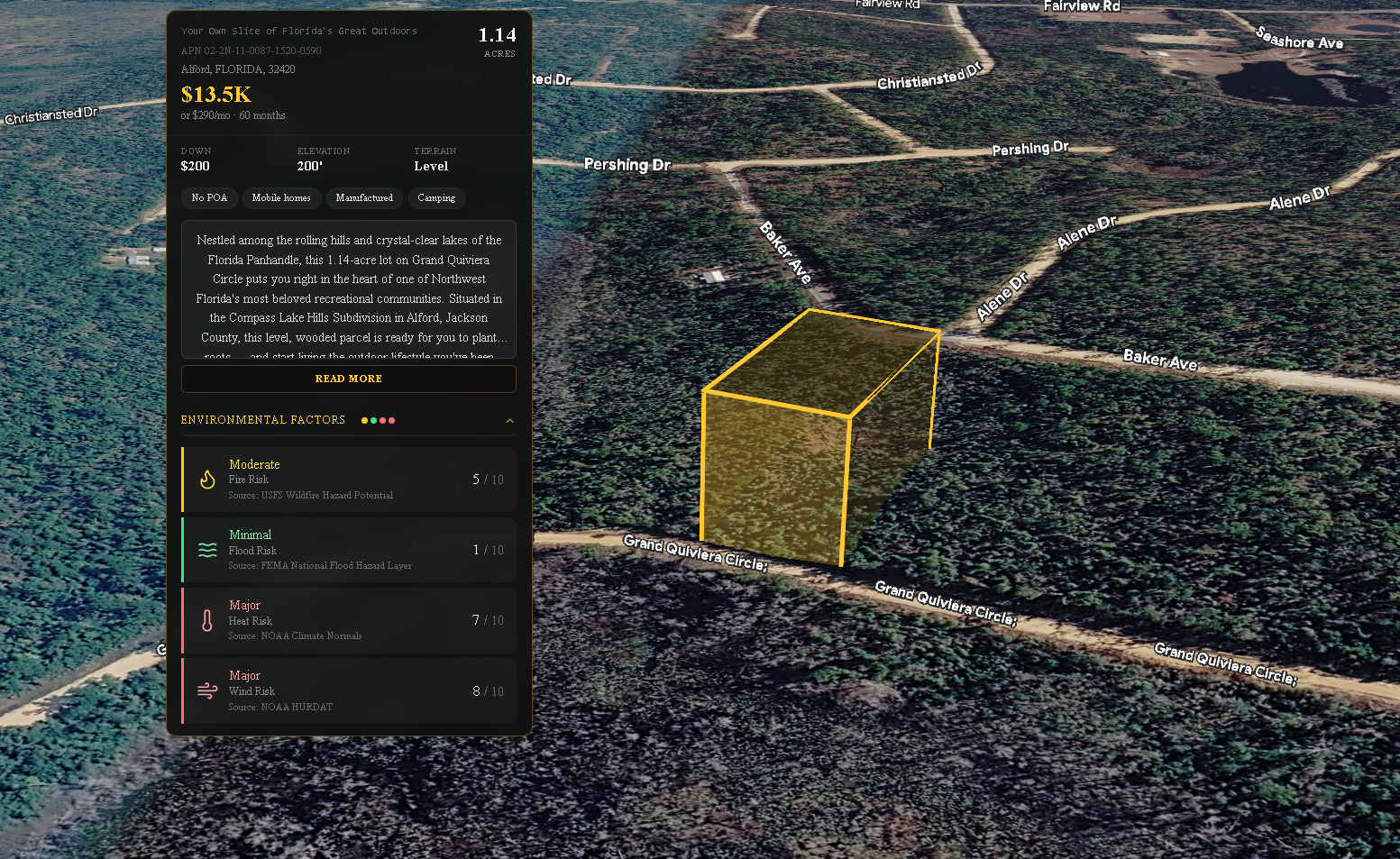
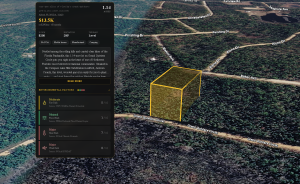
Environmental Factors in ParcelView3D show the estimated risk levels for fire, flood, heat, and wind. These insights help buyers quickly understand key climate-related considerations tied to the specific property. Just as important, ParcelView3D displays source data based on the actual property being reviewed, not just a broad surrounding location. This gives buyers a more relevant property-level view while helping sellers present useful information in a clean, organized way.
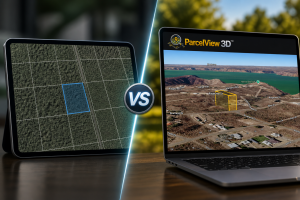
Compared with other property tools that may require a buyer or sales team to search through several separate screens, ParcelView3D presents these insights in a more streamlined and visual format. The goal is simple: help buyers feel more informed while keeping the property presentation easy to understand.
What Environmental Factors Show
The Environmental Factors panel focuses on four main estimated risk categories:
- Fire risk: helps users understand estimated wildfire-related risk for the property.
- Flood risk: helps users identify estimated flood-related risk connected to the property.
- Heat risk: gives buyers a clearer idea of estimated heat exposure.
- Wind risk: shows estimated wind-related risk that may be relevant to the property.
These items are designed to support faster review and better buyer education. They should be used as a helpful screening tool, not as a replacement for professional inspections, insurance review, county research, or formal due diligence.
Step-by-Step Guide: Turning Environmental Factors On or Off
Method 1: Turn Environmental Factors On or Off from the Property Edit Page
- Step 1: Open the Property
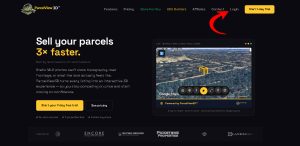
Log in to ParcelView3D and go to the property you want to update. Make sure you are viewing the correct property before making changes.
- Step 2: Click “Edit”
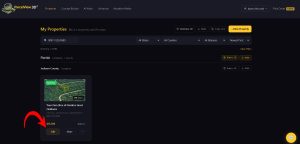
On the property page, click the “Edit” button. This opens the property settings where you can manage how the property appears to buyers.
- Step 3: Open the “Environmental Factors” Tab
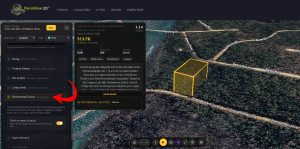
Inside the edit screen, look for the “Environmental Factors” tab. This is where the climate risk visibility setting is managed.
- Step 4: Use the Buyer Visibility Toggle
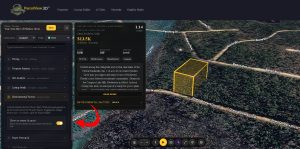
Find the toggle that asks whether you want buyers to see the Climate Risk panel inline with the 3D tour. Turn it on if you want buyers to see Environmental Factors directly in the tour. Turn it off if you do not want that panel displayed inline.
- Step 5: Save Your Changes
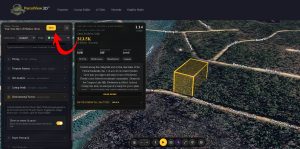
After adjusting the toggle, click “Save.” This applies the updated Environmental Factors visibility setting to the property.
Method 2: Turn Climate Risk On or Off from the Property Report Menu
- Step 1: Open the Property Page
Go to the property page for the listing you want to update.
- Step 2: Click the Three Dots Menu
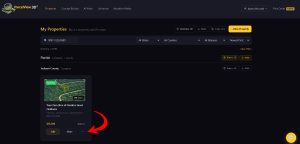
On the property page, click the three dots menu. This opens additional property actions.
- Step 3: Select “Report”
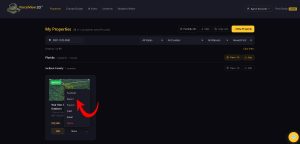
From the menu, choose “Report.” This opens the reporting settings for the property.
- Step 4: Find “Climate Risk”
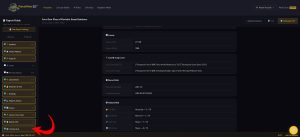
Look for the “Climate Risk” section inside the report settings. This is where you can control whether Climate Risk information is included or hidden.
- Step 5: Turn Climate Risk On or Off
Select the checkbox to include Environmental Factors risk information in the report. Uncheck it if you do not want this information to be displayed.
- Step 6: Save Your Changes
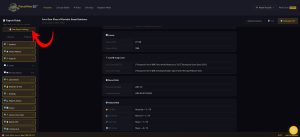
Click “Save” to confirm the update.
When to Show Environmental Factors to Buyers
In most cases, showing Environmental Factors can improve the buyer experience because it gives buyers quick access to important property-level climate risk information. This can reduce confusion and help buyers ask better questions earlier in the process. It also makes the listing feel more complete and transparent.
Environmental Factors are especially useful when a buyer is reviewing vacant land, rural property, recreational land, or property in areas where weather, terrain, or environmental exposure may be part of the decision-making process.
Best Practices
- Review the property before publishing so the Environmental Factors panel appears the way you want buyers to see it.
- Use the property edit method when you want to control whether the Climate Risk panel appears inline with the 3D tour.
- Use the report method when you want to control whether Climate Risk appears in the property report.
- Save changes after every update and refresh the property page to confirm the setting displays correctly.
- Use Environmental Factors as a helpful buyer education tool while still recommending standard due diligence.
Final Thoughts
ParcelView3D makes it easier to present important property information in a clean, buyer-friendly way. With Environmental Factors, buyers can quickly review estimated fire, flood, heat, and wind risk levels tied to the specific property they are viewing. This helps create a stronger property presentation and supports faster, more informed buyer conversations.
By using either the Property Edit page or the Report menu, sellers and teams can quickly turn Climate Risk visibility on or off depending on how they want the property information displayed. The process is simple, flexible, and built to keep the buyer experience clear.