Introduction
When researching land online, one of the most important things buyers want to know is: “Where exactly are the property corners?” ParcelView3D makes this process simple by allowing users to view and identify approximate four-corner GPS locations directly within the platform. Whether you’re evaluating rural acreage, planning a site visit, or comparing neighboring parcels, ParcelView3D provides a smooth and visual experience that helps users better understand a property’s layout and boundaries.
What Is Four Corner GPS?
Four Corner GPS refers to the approximate GPS coordinates for each corner of a property parcel: Northwest (NW), Northeast (NE), Southwest (SW), and Southeast (SE). These coordinates help users understand parcel shape, dimensions, and approximate boundaries.
Why Use ParcelView3D?
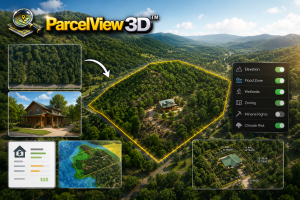
ParcelView3D offers smooth 3D visualization, fast parcel searching, clear property overlays, interactive terrain viewing, and easy-to-read GPS coordinate displays. Compared to many traditional mapping tools, ParcelView3D provides a more streamlined and user-friendly experience for land buyers and investors.
Step-by-Step Guide: Four Corner GPS in ParcelView3D
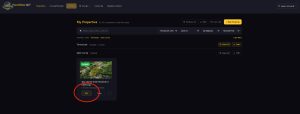
- Log in and search for the property you want to navigate to.
- You can add a new property and find the parcel.
- You can also click Edit for an existing property.
- This can also be done in Embed Code or Share Mode.
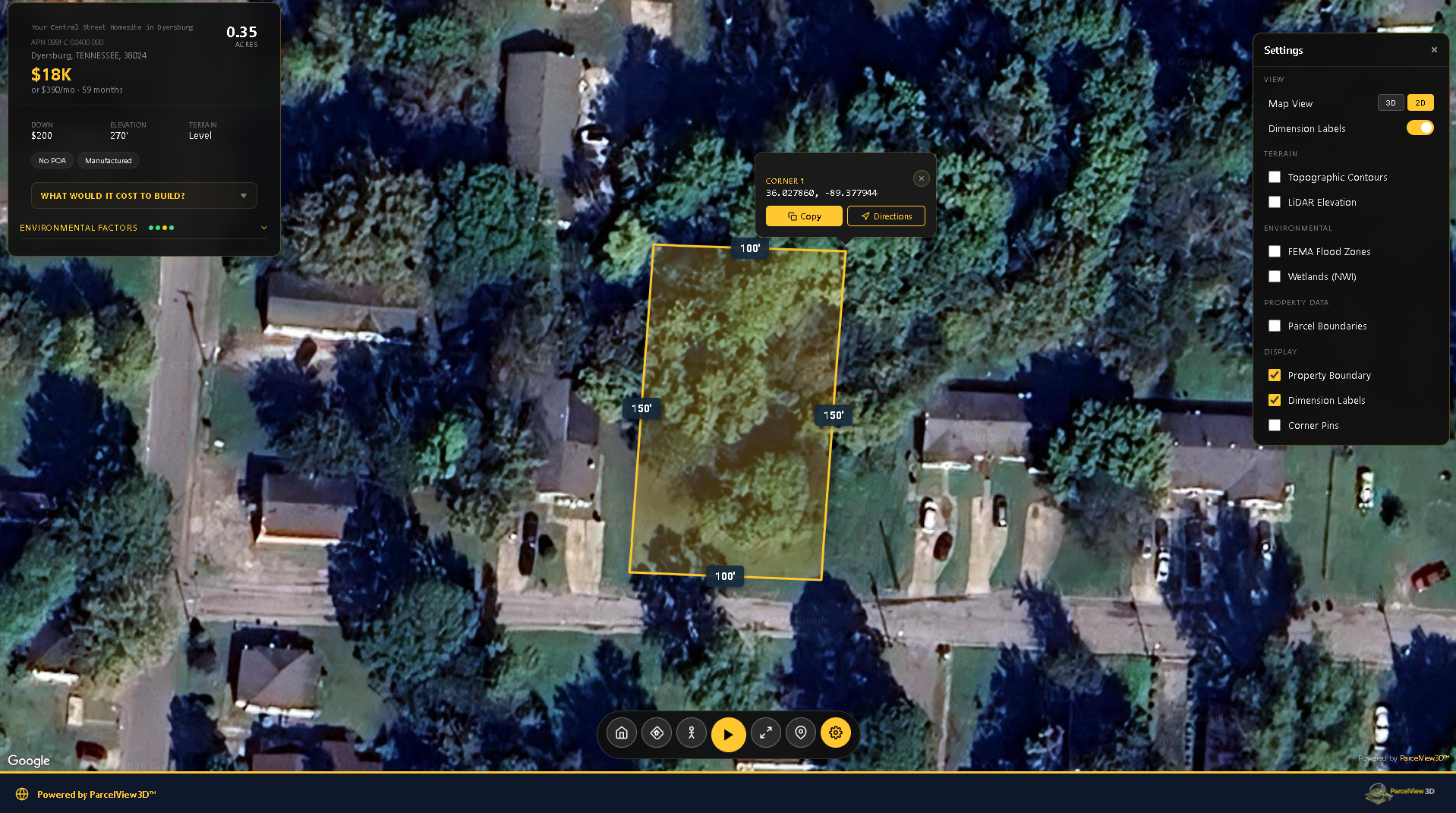
- Once the property is opened or located, click the Settings icon, then select 2D Mode.
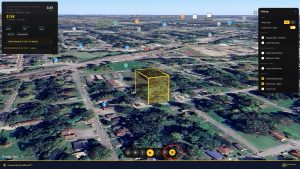
- In 2D Mode, hover over the four corners of the property.
- ParcelView3D will show the GPS coordinates for each corner.
- You can copy the coordinates for later use.
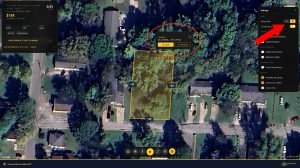
- Click Directions to see navigation options.
- Use this option when you want to review available navigation routes to the property.
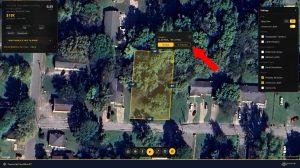
Note: This feature is only available in 2D Mode.
How Four Corner GPS Helps During Land Research
The four corner GPS workflow is useful when preparing for a property visit, reviewing parcel orientation, or comparing one parcel with nearby land. By hovering over the corners in 2D Mode, users can quickly capture approximate coordinates and use them for field reference.
Using Coordinates During a Site Visit
Many buyers use copied corner coordinates to help navigate during in-person inspections. Coordinates can be entered into a mobile navigation app or saved as reference points before visiting the property. These points are helpful for understanding the approximate layout of the land before walking the parcel.
Comparing ParcelView3D to Traditional Mapping Tools
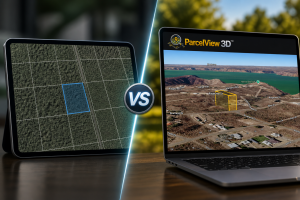
Many traditional map tools focus primarily on general road navigation or basic imagery. ParcelView3D is designed with land research in mind, making it easier to review parcel boundaries, switch between viewing modes, and work with GPS information in a clean, property-focused environment. For land buyers and investors, this can save time and make the research process easier to understand.
Tips for Best Results
Zoom in closely before hovering over each corner, make sure you are in 2D Mode before looking for GPS coordinates, copy each coordinate carefully, and confirm important boundary questions with official records or a professional survey when exact legal boundaries are required.
Final Thoughts
ParcelView3D provides a powerful and user-friendly way to research land parcels and visualize approximate property boundaries. The Four Corner GPS feature is especially useful for buyers, investors, and anyone who wants a clearer understanding of a property before making decisions. By keeping the process simple and focused, ParcelView3D helps users move from online research to real-world navigation with more confidence.