Most land listings fail because buyers cannot mentally connect scattered listings into a bigger opportunity. They see isolated parcels instead of inventory. The real power move is not showing one property better — it is creating a browsing experience where buyers stay inside your ecosystem and continue exploring.
That is exactly what the County View feature inside ParcelView3D was designed to solve.
Why County View Matters
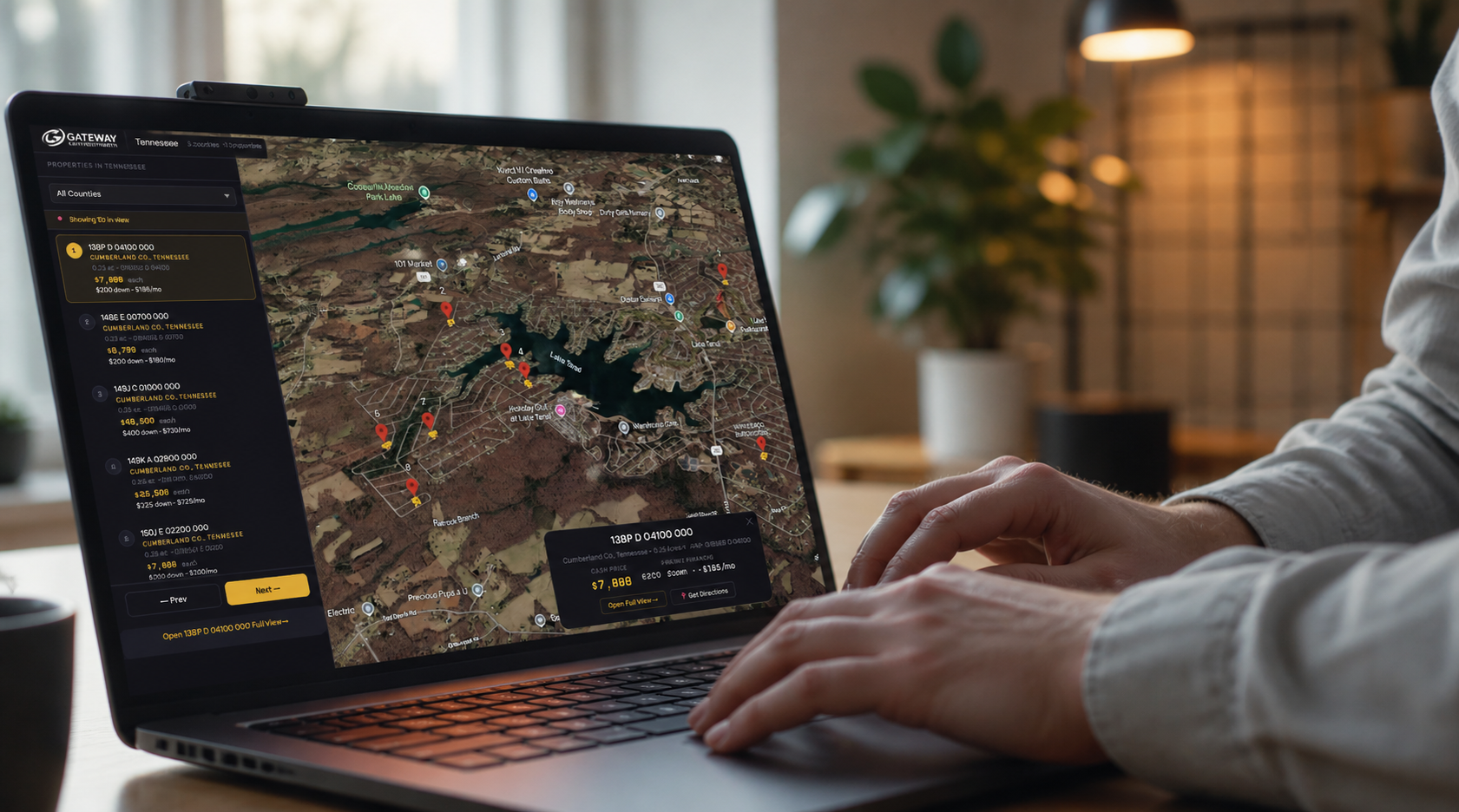
Traditional land marketing has a hidden flaw: every listing exists in isolation. County View creates a centralized interactive map experience where buyers can browse all available properties in a county, compare parcels visually in 3D, and contact you directly from the embedded experience.
Step 1: Log Into ParcelView3D
Start by logging into your ParcelView3D account dashboard. Navigate to your property inventory and verify that your listings already contain parcel boundaries, featured images, pricing, and descriptions.
Step 2: Open the County View Feature
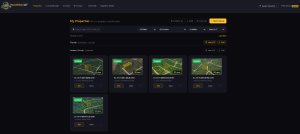
Inside the dashboard, locate the County View section. This feature automatically groups properties by county and displays them together on one interactive map.
Step 3: Select the County
Choose the county you want to display. Once selected, ParcelView3D automatically loads all active properties within that county.
Step 4: Customize the Map Experience
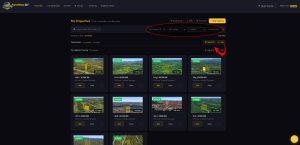
Adjust map zoom levels, terrain overlays, and parcel boundary visibility. The goal is to make the experience simple and visually engaging for buyers.
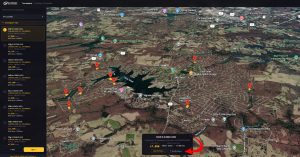
One powerful feature inside County View is the Driving Directions button. Buyers can click the driving directions option and instantly jump from one property to another without manually searching for locations. This creates a guided exploration experience where users can easily compare multiple parcels in the same county.
Instead of losing buyers between tabs or maps, ParcelView3D keeps them moving through your inventory seamlessly. This is especially useful for investors reviewing several properties during a buying session or planning in-person visits.
Step 5: Link Each Parcel to Property Presentations
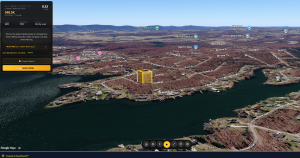
Each parcel inside County View can connect directly to interactive property pages, pricing, financing terms, and contact forms.
Step 6: Embed County View on Your Website
Embed the County View experience directly on your website to create interactive county inventory pages. This transforms your website from a static brochure into a real property exploration platform.
Step 7: Share County View Across Marketing Channels
Share your County View links in Facebook ads, email campaigns, YouTube descriptions, QR codes, and land listing sites. Instead of promoting one property, you are now promoting an entire inventory experience.
Final Thoughts
Most land investors focus entirely on generating more leads. But often the bigger opportunity is extracting more value from the traffic they already have. County View helps increase engagement, encourages property comparisons, and keeps buyers inside your ecosystem longer.
| Start Your Free Trial of ParcelView3D
Turn every listing into an immersive experience buyers remember. No credit card required to get started — sign up in minutes and embed your first property today. Visit parcelview3d.com to claim your free trial. |